Disk Drill Review: Best Data Recovery App for macOS?
Disk Drill 6.3 makes difficult recovery jobs feel manageable on a Mac. Its scan-first model is useful, though SSD limits plus a paid recovery gate still matter.
Disk Drill is our favorite do-it-yourself recovery app for macOS. It handles common deletion cases, damaged external storage, camera cards, plus Apple file systems without burying the user in technical choices. Run the free scan first since standard Mac recovery requires PRO.
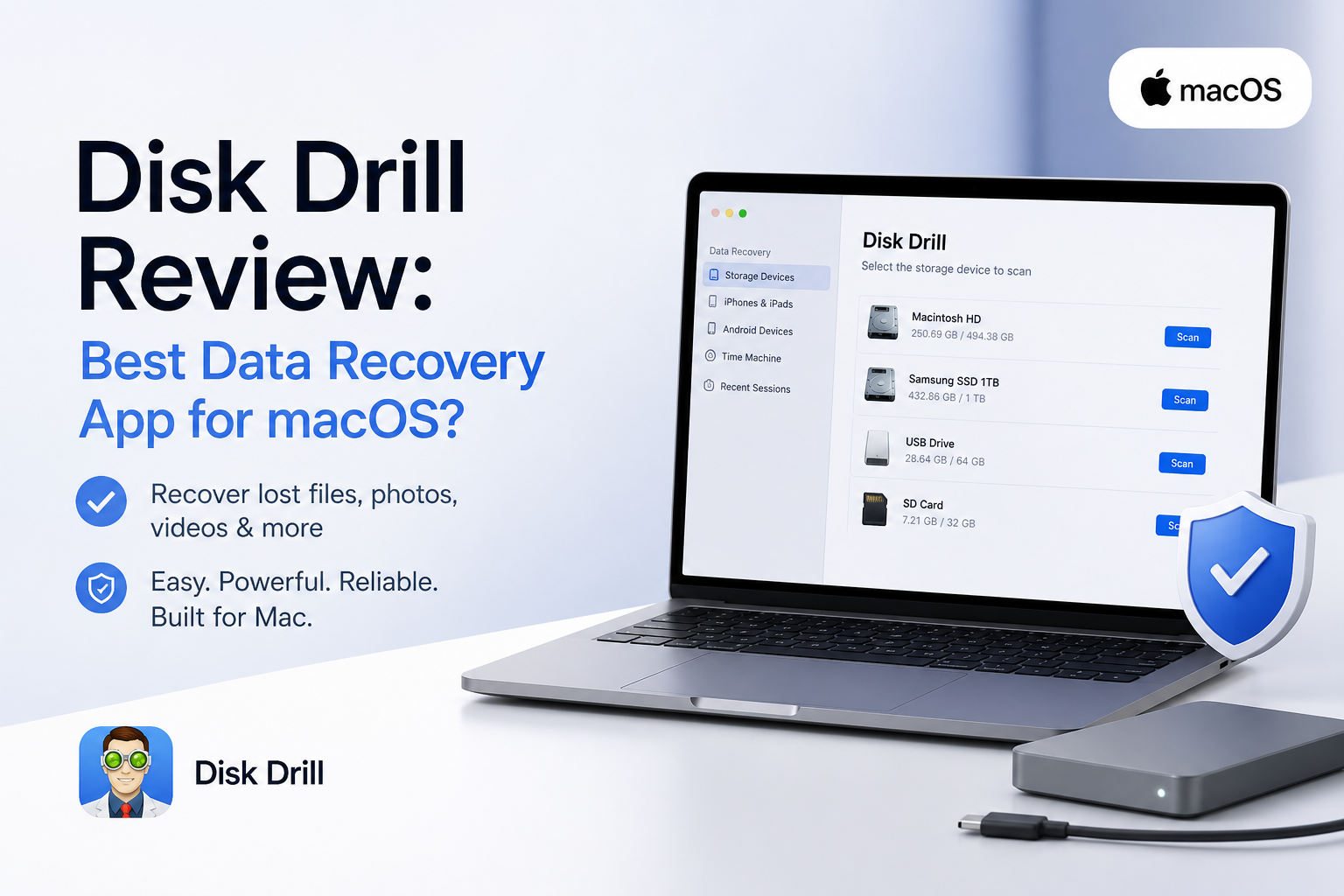
Disk Drill for macOS at a Glance
9.1/10Disk Drill is a desktop data-recovery utility for Macs plus Windows PCs. It scans deleted, formatted, inaccessible, or damaged logical storage for files that can still be restored.
Best forMac users recovering photos, documents, videos, or folders from readable drives or memory cards
- Quick plus deep recovery scans
- APFS, HFS+, exFAT, NTFS, EXT, BTRFS support
- Advanced Camera Recovery
- Byte-to-byte disk backups
- Preview plus recovery-chance filters
- Excellent Mac interface
- Strong removable-media toolkit
- Free unlimited scanning plus previews
- Mac recovery usually requires PRO
- TRIM can make SSD deletion unrecoverable
- Not meant for hardware damage
How We Evaluated Disk Drill 6.3 on macOS
We reviewed Disk Drill 6.3 around the jobs a Mac owner is likely to face: recently deleted files, an emptied Trash, a reformatted USB drive, an exFAT camera card, plus recovery from a disk image. We checked setup, drive detection, scan controls, result filtering, previews, destination safeguards, file naming, plus the usefulness of included disk tools.
Category scores place the most weight on recoverable results plus file usability. macOS support, workflow clarity, storage coverage, free evaluation limits, plus license cost make up the rest. Physically damaged drives were excluded because desktop software should not be used as a substitute for clean-room service.
When Disk Drill Is the Wrong Choice for Mac Recovery
Do not keep scanning a hard drive that clicks, vanishes from Disk Utility, spins down, or becomes unusually hot. Each extra attempt can worsen physical damage. Disconnect it, note what happened, then contact a reputable recovery lab if the files justify the cost.
Disk Drill also cannot reverse SSD TRIM after deleted blocks have been cleared. If the lost file was stored on a modern Mac's internal SSD, check Time Machine, iCloud Drive, app version history, local snapshots, email attachments, plus shared folders before paying for recovery software.
Disk Drill for macOS: How It Scored by Category
| Category | Performance | Score |
|---|---|---|
| 01 Recovery Results | 9.4/10 | |
| 02 macOS Fit | 9.5/10 | |
| 03 Recovery Workflow | 9.3/10 | |
| 04 Storage Coverage | 9.2/10 | |
| 05 Plans & Free Tier | 7.8/10 |
Disk Drill for macOS Recovery Capabilities in Detail
01 Recovery Results
Useful results from ordinary loss scenarios
9.4/10
Recovery Results
Useful results from ordinary loss scenarios
Disk Drill did its best work on removable media. Deleted photos from an exFAT SD card appeared with usable thumbnails, while a reformatted USB drive produced a mix of intact files plus raw results. The preview pane made it much easier to separate worthwhile files from damaged entries.
Deep scans can return duplicate copies or generic filenames when the original file-system records are gone. That is normal for signature recovery, though sorting a large result set still takes patience. A successful preview is the most useful clue before paying for PRO.
- Clear previews for common photo formats
- Recovery-chance labels help prioritize files
- Quick plus deep methods run from one search
- Scan sessions can be saved for later
- Raw results may lose original names
- Large scans can surface duplicate-looking files

02 macOS Fit
Built around Apple storage rather than adapted later
9.5/10
macOS Fit
Built around Apple storage rather than adapted later
Disk Drill looks at home on macOS. Drive selection, permissions, scan status, filters, file previews, plus destination choices are laid out in a way that rarely needs a manual. Version 6.3 supports macOS 10.15 through macOS 26, including Apple silicon Macs.
Its Apple-specific coverage is the bigger win. Disk Drill can work with APFS, HFS+, Time Machine data, iPhones, iPads, plus storage formatted for Windows or Linux. Recovering from the Mac startup disk may require extra permission steps due to macOS security controls.
- Native-feeling Mac interface
- APFS plus HFS+ support
- Works on Apple silicon or Intel Macs
- Can inspect Time Machine data
- Useful iPhone or iPad recovery options
- Startup-disk access may require setup
- Modern SSD recovery remains limited by TRIM
03 Recovery Workflow
A simple path from drive selection to export
9.3/10
Recovery Workflow
A simple path from drive selection to export
The basic process is easy to follow: choose a device, search for lost data, filter the findings, preview a file, then recover it to separate storage. Disk Drill groups pictures, video, audio, documents, archives, plus other results without forcing the user to understand scan algorithms first.
Filters for date, size, file type, recovery chance, plus filename reduce a messy scan quickly. The main caution is destination choice. Never restore files onto the same device being recovered since new writes could overwrite other lost data.
- Straightforward scan-to-recovery flow
- Search plus filters tame large result sets
- Preview works before purchase
- Scan sessions can be paused or resumed
- Result categories need some learning
- Recovery destination warning could be harder to miss
04 Storage Coverage
Especially capable with camera cards or external drives
9.2/10
Storage Coverage
Especially capable with camera cards or external drives
Disk Drill supports internal disks, external hard drives, SSDs, USB sticks, SD cards, disk images, RAID sets, mobile devices, plus many file systems. Its byte-to-byte backup tool is especially useful for unstable media because the resulting image can be scanned instead of repeatedly stressing the original device.
Advanced Camera Recovery is a notable addition for fragmented footage from cameras, drones, action cameras, or dashcams. No software can solve every case, though. Clicking, disconnecting, or physically damaged storage belongs with a recovery lab rather than a desktop utility.
- Broad file-system coverage
- Byte-to-byte disk images are included
- Dedicated fragmented-video recovery mode
- Supports hundreds of file signatures
- Advanced modes add scan time
- Not suitable for physically failing hardware
05 Plans & Free Tier
Good evaluation tools with paid Mac recovery
7.8/10
Plans & Free Tier
Good evaluation tools with paid Mac recovery
Disk Drill Basic costs $0. On macOS, it can scan storage plus preview recoverable files, but ordinary recovery requires a paid license. Free recovery applies to files previously protected through supported protection features.
PRO costs $89 per year or $149 for a lifetime license. Either option covers one user with up to three device activations across macOS plus Windows. The lifetime plan includes future Disk Drill upgrades, making it the better fit for photographers or households likely to need the app again.
- Free scans reveal results before payment
- Annual plan lowers the initial cost
- Lifetime license includes future upgrades
- One license covers Mac plus Windows
- Basic does not offer general free recovery on Mac
- $149 is steep for one missing folder
- Purchases are generally nonrefundable
What Disk Drill Users Report From Real Recoveries
The poster says Disk Drill recovered photos from an inaccessible SD card in roughly ten minutes after other tools failed to handle the card properly.
A wedding shooter reported recovering about 40 to 50 GB of ceremony footage from a mistakenly formatted Canon card after testing a small playable clip first.
This user said the paid app failed to recover client files despite promising scan results. They also criticized the support response plus annual billing.
A long-time recovery-software user praised Disk Drill 6 for reconstructing fragmented camera video that competing tools could not piece together.
Is Disk Drill the Best Data Recovery App for macOS?
Disk Drill is our best overall data-recovery app for most Mac owners because it combines capable scans, broad storage support, clear previews, plus a workflow that stays approachable during a stressful job. It suits photographers, video creators, students, or home users dealing with a readable drive or memory card.
Skip it for clicking disks, storage that repeatedly disconnects, or deleted files on a TRIM-enabled internal SSD. Those cases need a specialist or may already be beyond software recovery.
Stop using the affected storage, create a byte-to-byte image if the device seems unstable, then confirm your important files in preview before buying PRO.