Best SD Card Recovery Software for Mac in 2026: 5 Tools Compared
Disk Drill is our first pick for a preview-first recovery workflow. This comparison separates useful free recovery from free scanning, with five options for different budgets.
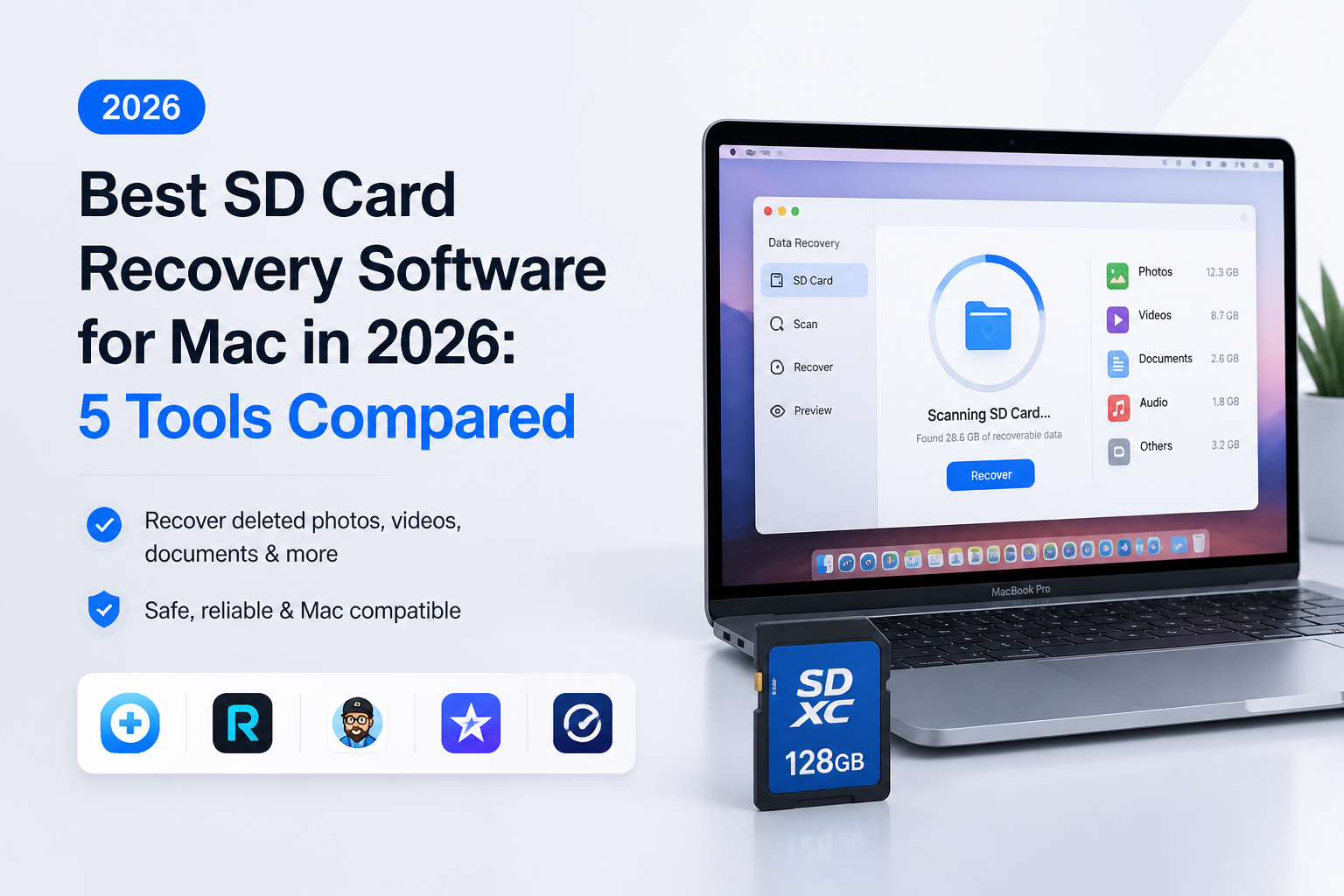
Disk Drill is our best overall choice for Mac SD-card recovery because it combines previews, card imaging, plus a dedicated camera-recovery mode. Ordinary deleted-file recovery on Mac requires PRO, so inspect your results before purchasing. (cleverfiles.com)
Disk Drill
9.1/10Best for: Mac photographers who want to inspect missing photos before paying for recovery
- Preview-first workflow before purchase
- Built-in byte-to-byte card imaging
- Dedicated camera-video recovery mode
- Annual or lifetime purchase options
R-Studio for Mac
8.7/10Best for: Experienced users investigating damaged card partitions or difficult file-system recovery
- FAT32 plus exFAT support
- Built-in disk imaging
- Adjustable recovery settings
- Permanent Mac license
DMDE
8.3/10Best for: Patient users recovering a photo folder without paying for a full consumer recovery suite
- Useful free file-saving allowance
- Repeat free recovery requests permitted
- Low entry price for bulk folder recovery
- Perpetual Standard option
Five SD Card Recovery Tools for Mac Compared
The table compares free-edition usefulness, recovery approach, plus the listed entry price. Scores reflect our editorial judgment for Mac SD-card users, not measured recovery percentages. Product documentation cited in each review supports the feature descriptions.
| Tool | Free Saving Allowance | Recovery Emphasis | Price | Score |
|---|---|---|---|---|
| 1.Disk Drill PICK | Preview only for ordinary deleted files | Guided photo or camera-video recovery | $89/yr | 9.1/10 |
| 2.R-Studio for Mac | Restricted demo | Adjustable file-system scans | $79.99 one-time | 8.7/10 |
| 3.DMDE | 4,000 files per directory request | Technical, directory-based recovery | $20 for 1 year | 8.3/10 |
| 4.PhotoRec | Unlimited | File-signature recovery | Free | 8.0/10 |
| 5.UFS Explorer Standard Recovery | Files up to 256 KB | Configurable image-based recovery | $69.95 one-time | 7.9/10 |
The 5 Best SD Card Recovery Tools for Mac Reviewed
01 Disk Drill
macOS / CleverFiles
9.1/10
Disk Drill
macOS / CleverFiles
Disk Drill gets our first recommendation because its documented SD-card workflow puts useful decisions in a sensible order: create an image if needed, scan, inspect previews, then save elsewhere. Its separate Advanced Camera Recovery mode also makes it worth considering when missing footage matters more than still photos. These are documented capabilities, not results from a hands-on test conducted for this article. (cleverfiles.com)
The catch is payment. For ordinary deleted files on Mac, treat Basic as a scan-and-preview edition, not free recovery. PRO currently costs $89/year, or $149 for the displayed lifetime option. I would inspect several important files before buying rather than use the total number of scan results as proof of success. (cleverfiles.com)
Best forMac photographers who want to inspect missing photos before paying for recovery
- Preview-first workflow before purchase
- Built-in byte-to-byte card imaging
- Dedicated camera-video recovery mode
- Annual or lifetime purchase options
- Ordinary deleted-file recovery on Mac requires payment
- Annual plan renews unless canceled
- Camera recovery support is not a guarantee for every clip

02 R-Studio for Mac
macOS / R-Tools Technology
8.7/10
R-Studio for Mac
macOS / R-Tools Technology
R-Studio is the alternative I would shortlist when the card's layout needs investigation. It supports FAT32 plus exFAT, disk images, file previews, raw signature searches, plus a hex editor. That combination lets a knowledgeable user examine more than a list of found pictures. The official Mac documentation describes those capabilities, but it does not establish a recovery-rate advantage over the other tools here. (r-studio.com)
The regular Mac license is $79.99 with permanent use. For an ordinary deleted photo folder, the technical controls may be unnecessary. For someone already comfortable with partitions or scan settings, they are the reason to choose it. (r-studio.com)
Best forExperienced users investigating damaged card partitions or difficult file-system recovery
- FAT32 plus exFAT support
- Built-in disk imaging
- Adjustable recovery settings
- Permanent Mac license
- Technical controls require more judgment
- Broad storage features may distract from a simple photo recovery
03 DMDE
macOS / DMDE
8.3/10
DMDE
macOS / DMDE
DMDE deserves attention before a purchase, especially if the missing files sit in one directory. Its free edition allows 4,000 files from a selected directory per request, with repeat requests permitted. That is actual file saving, not merely a preview allowance. Bulk folder recovery is the main reason to move to a paid edition. (dmde.com)
Express costs $20 for one year of personal use. Standard costs $48 for a perpetual license. My reservation is the amount of technical decision-making: this is a disk editor as well as a recovery application, so stick to recovery operations rather than experimenting with changes to the original card. (dmde.com)
Best forPatient users recovering a photo folder without paying for a full consumer recovery suite
- Useful free file-saving allowance
- Repeat free recovery requests permitted
- Low entry price for bulk folder recovery
- Perpetual Standard option
- Free recovery is directory-limited
- Express expires after one year
- Disk-editing functions demand care
04 PhotoRec
macOS / CGSecurity
8.0/10
PhotoRec
macOS / CGSecurity
PhotoRec makes the price decision easy: $0, with no paid export tier. It searches for recognizable file data rather than depending on a healthy file system, which makes it relevant after formatting or file-system damage. Despite its name, it is not limited to photographs. (cgsecurity.org)
The compromise is organization. Original filenames or directory structure may be lost, leaving a sorting job after recovery. I would choose it when cost is the hard limit, not when preserving a neatly organized shoot is the priority. Its text-oriented workflow also asks for more patience than a visual recovery app. (cgsecurity.org)
Best forUsers who prioritize recovered file contents over original filenames or folder organization
- Completely free recovery
- Open-source software
- Does not require an intact file system
- Recovers more than image files
- Original names or folders may not survive
- Text-oriented workflow takes patience
- Recovered output can require substantial sorting
05 UFS Explorer Standard Recovery
macOS / SysDev Laboratories
7.9/10
UFS Explorer Standard Recovery
macOS / SysDev Laboratories
UFS Explorer Standard Recovery is worth a look if creating a card image is central to your plan. The evaluation includes scanning, previews, plus disk imaging. It can save files up to 256 KB, so the trial is useful for evaluation but not a practical free allowance for most camera originals. (ufsexplorer.com)
The personal entry price is $69.95 for a perpetual, platform-specific license. It ranks fifth here because I would usually point a first-time SD-card user toward a simpler starting point, or a budget-focused user toward DMDE. Its imaging controls remain a sensible reason to choose it deliberately. (ufsexplorer.com)
Best forTechnical Mac users who want configurable imaging plus a perpetual recovery license
- Disk imaging included in the evaluation
- Read-only source-storage operations
- Perpetual licensing
- Supports recovery from disk images
- Trial file-saving limit is too small for most camera originals
- License is platform-specific
- More configuration than a casual user may want
How We Evaluated Mac SD Card Recovery Software
This is a documentation-based comparison, not a laboratory recovery test. We checked official product pages, pricing, free-edition restrictions, plus documented recovery workflows. We did not run these applications against a shared card image, so there are no measured scan times, recovered-file totals, or success percentages to report.
Scores are editorial ratings out of ten. We gave the most weight to an understandable Mac workflow, useful evaluation before payment, image-based recovery, camera-file relevance, plus cost. A higher score means a better fit for our intended reader, not a proven advantage on every damaged card.
How to Choose Mac Recovery Software for Your SD Card
Start with the files you need. For a folder of photos, I would prioritize previews plus clear saving limits. For missing camera footage, check whether the software offers a dedicated camera-recovery mode rather than assuming that recognition of an MP4 file proves the clip is complete. Disk Drill documents a separate mode for this job. (cleverfiles.com)
Next, decide how much technical work you want to do. My shortlist would be Disk Drill for guidance, R-Studio for scan control, or DMDE for a small budget. If you already have a card image, compare results from that same image before choosing a paid license.
Mac SD Card Recovery Mistakes Worth Avoiding
Do not save recovered files onto the card you are scanning. New writes can overwrite data that remains recoverable. PhotoRec's documentation explicitly recommends a different destination. (cgsecurity.org)
Also, do not assume buying a license repairs damaged results. DMDE specifically asks users to recover sample files with its free edition, then verify that they open correctly before purchase. That is a useful buying habit even if you ultimately choose another product. (dmde.com)
Which Mac SD Card Recovery Tool Should You Choose?
Disk Drill earns our first recommendation for its preview-first, camera-focused approach. Choose R-Studio if you want technical control, DMDE if price matters most, or PhotoRec if payment is off the table. UFS Explorer deserves a closer look when configurable imaging is your priority. These are workflow recommendations, not promises that one tool will recover more files from your particular card.
Decide which missing files matter most before scanning, then judge the results by those files rather than the largest recovered-file count.