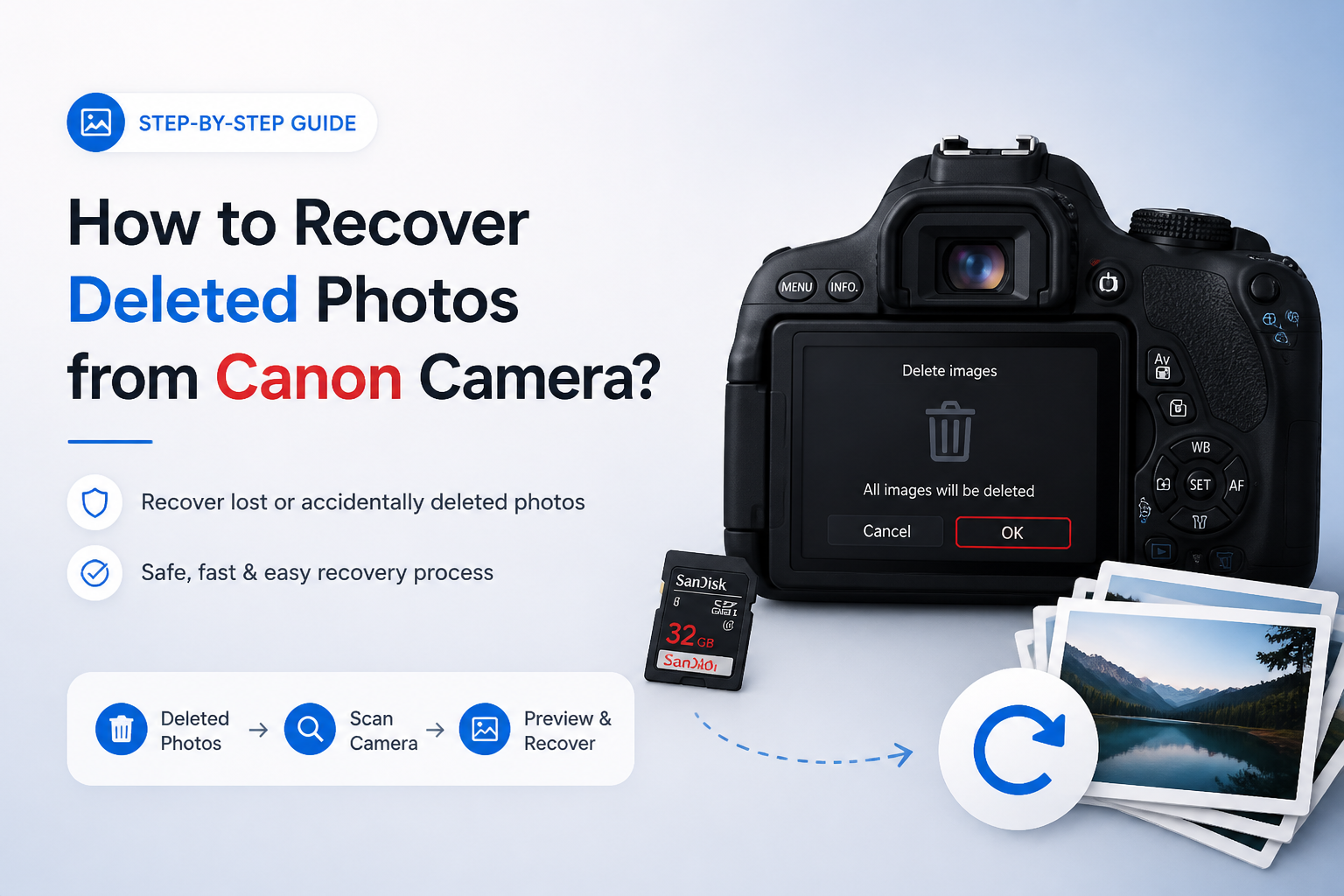
How to Recover Deleted Photos from Canon Camera?
Deleted Canon photos are often recoverable if the memory card has not been reused. Remove it now, then start with the least risky method below.
Stop using the Canon camera immediately. Remove its SD, CF, or CFexpress card, connect it to a computer through a card reader, then scan it with Disk Drill. Save recovered photos somewhere else, never back onto the affected card.
Do not take another picture, record video, format the card, or accept a repair prompt. New data can overwrite deleted photo sectors. If the card has physical damage or keeps disconnecting, skip repeated scans.
Scan a Canon Memory Card → Disk Drill
Scans SD, CF, plus other camera storage · Previews found photos before recovery · Runs on Windows or macOS
Choose a Method to Recover Deleted Canon Photos
Start with the card's condition plus the value of the missing pictures.
| Method | Best for | Time | Success rate |
|---|---|---|---|
| 1. Scan the Canon Memory Card With Disk Drill TRY FIRST | Deleted or formatted Canon cards | ~15 min | ● 85% |
| 2. Find Existing Copies of the Canon Photos | Previously imported or synced photos | ~10 min | ● 75% |
| 3. Run a Free PhotoRec Scan | Free signature-based recovery | ~30–90 min | ● 68% |
| 4. Create a Card Image Before Rescanning | Unstable or error-prone cards | ~20–120 min | ● 72% |
| 5. Send the Canon Card to a Recovery Lab | Physical damage or vital shoots | Several days | ● 55% |
When Software Should Not Scan a Damaged Canon Card
Do not keep rescanning a card that vanishes from the computer, becomes hot, shows the wrong capacity, or works only when held at an angle. Software needs stable access to the storage sectors. Repeated power cycles may leave a failing card in worse shape.
A damaged outer shell or bent contact also changes the decision. Store the card safely, record the symptoms, then ask a memory-card recovery lab whether direct hardware work is appropriate.
Top 5 Ways to Recover Deleted Photos From a Canon Camera
01 Scan the Canon Memory Card With Disk Drill
Best first move for deleted, formatted, or suddenly missing Canon photos
~15 min
Scan the Canon Memory Card With Disk Drill
Best first move for deleted, formatted, or suddenly missing Canon photos
Disk Drill can scan a Canon SD or CF card for deleted JPEG, CR2, CR3, TIFF, DNG, plus video files. You can inspect previews before choosing which photos to restore.
- Turn off the Canon camera, remove its memory card, then slide the card's lock switch to the locked position if it has one.
- Connect the card directly to your computer through a reliable SD or CF card reader.
- Download Disk Drill from the official Disk Drill site, install it on the computer's internal drive, then open it.
- Select the Canon memory card. Start with Advanced Camera Recovery, or use the universal scan if that mode does not find the missing photos.
- Open the Pictures results, filter by file type, then preview several images at full size. A working preview is a useful sign that the photo can be restored.
- Select the wanted files, click Recover, then save them to the computer or another external drive. Never choose the Canon card as the destination.

02 Find Existing Copies of the Canon Photos
Fastest option if the pictures were imported, synced, or shared before deletion
~10 min
Find Existing Copies of the Canon Photos
Fastest option if the pictures were imported, synced, or shared before deletion
A deleted card file may still exist in an import folder, cloud library, messaging app, or backup. Check those places before putting the memory card through a long scan.
- Search the computer for common Canon extensions such as
*.jpg,*.cr2, or*.cr3. Sort the results by capture date or modified date. - Inspect Pictures, Downloads, Desktop, DCIM, plus folders created by Canon EOS Utility or Digital Photo Professional.
- Open the Recycle Bin on Windows or Trash on macOS. Restore any matching files to a normal folder.
- Check OneDrive, iCloud Photos, Google Photos, Dropbox, Lightroom, or another service previously used for imports. Look inside each service's deleted-items area too.
- Review phones, tablets, email attachments, shared albums, social posts, plus chat conversations where copies may have been sent.
- Copy every located photo to a separate folder, then back that folder up before returning to the memory card.
03 Run a Free PhotoRec Scan
Useful when cost matters more than filenames or folder structure
~30–90 min
Run a Free PhotoRec Scan
Useful when cost matters more than filenames or folder structure
PhotoRec is a free, open-source file carver that looks for file signatures rather than relying on the damaged card directory. It can recover Canon photos from cards that appear empty or formatted, though the results often have generic filenames.
- Remove the card from the camera, connect it through a reader, then verify that the operating system can see the physical device.
- Download TestDisk plus PhotoRec from the official CGSecurity website. Extract the package to the computer, not the affected card.
- Launch QPhotoRec for the graphical interface, then select the Canon memory card by matching its capacity carefully.
- Open File Formats. Limit the scan to JPEG plus the RAW formats you need, such as CR2 or CR3, to reduce clutter.
- Choose a recovery folder on a different drive with enough free space, then begin the search.
- After the scan, sort the recovered files by type, dimensions, or capture metadata. Open several images to check for gray blocks, missing sections, or decoding errors.
04 Create a Card Image Before Rescanning
Safer for an unstable card that freezes, disconnects, or produces read errors
~20–120 min
Create a Card Image Before Rescanning
Safer for an unstable card that freezes, disconnects, or produces read errors
A byte-for-byte image preserves every readable sector in one file. Recovery software can scan that image repeatedly while the original Canon card stays untouched.
- Stop if the card is repeatedly disconnecting, clicking through an adapter, overheating, or slowing to nearly zero. Those symptoms can point to worsening hardware trouble.
- Prepare a healthy drive with free space greater than the full capacity of the Canon card. A 128 GB card needs at least 128 GB for an uncompressed image, plus room for recovered photos.
- Open Disk Drill, locate its Byte-to-byte Backup tool, then select the entire memory card rather than only a listed partition.
- Save the image to the healthy drive. Do not save it on the Canon card.
- Eject the physical card after imaging. Return it to its case so no one accidentally formats or reuses it.
- Mount or load the completed image in Disk Drill, scan it for lost files, preview the results, then recover photos to another folder.
05 Send the Canon Card to a Recovery Lab
Last resort for physical damage, failed cards, or irreplaceable professional work
Several days
Send the Canon Card to a Recovery Lab
Last resort for physical damage, failed cards, or irreplaceable professional work
A specialist may work around failed card readers, damaged contacts, broken casings, or faulty memory controllers. This costs more than software, so it makes sense for wedding jobs, paid shoots, legal evidence, or personal photos with no substitute.
- Stop powering the card. Do not format it, run repair utilities, clean exposed contacts with liquids, or open its casing.
- Write down what happened, including the Canon model, card type, deletion or format event, plus any error messages.
- Contact a lab that specifically handles SD, microSD, CompactFlash, or CFexpress media. Ask whether evaluation is free plus whether payment depends on useful recovery.
- Ask how the lab protects client files, how long it retains recovered data, plus whether encrypted return media is available.
- Place the card in an antistatic sleeve or small protective case. Use tracked shipping with firm padding around the card.
- Review the lab's file list or sample previews before approving the final recovery whenever that option is offered.
Which Canon Photo Recovery Method Should You Try?
Use Disk Drill first when the Canon card is healthy enough to appear on your computer. Check existing imports if the photos may have reached another device already, or use PhotoRec if you need a free alternative.
Create a card image before more scans when the media behaves strangely. For physical damage or irreplaceable client work, stop experimenting plus contact a recovery lab.
Keep the original card out of the camera until every recovered photo opens correctly plus exists in at least two separate locations.