Disk Drill Review for NEF Recovery in 2026
Disk Drill makes lost NEF files fairly easy to find, inspect, then restore from Nikon memory cards. Its preview-first workflow is the part photographers should pay attention to before buying.
Disk Drill is a practical choice for recovering deleted or formatted Nikon NEF photos, especially from SD, XQD, CFexpress, or CompactFlash cards. Scan for free first, open several NEF previews, then pay only if the files you need appear intact.
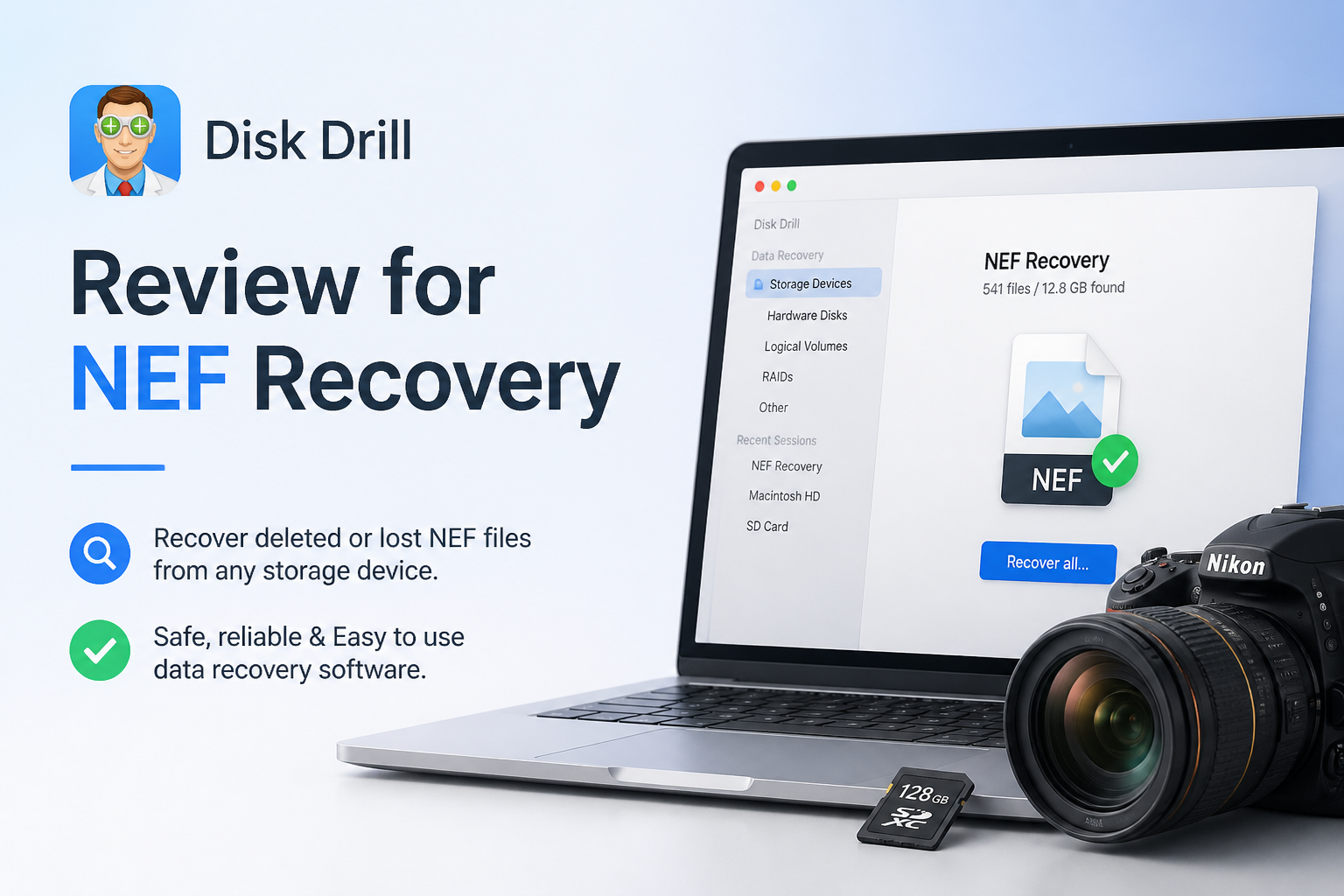
Disk Drill for Nikon RAW Files at a Glance
9.1/10Disk Drill is a Windows plus macOS recovery app that searches storage devices for deleted, formatted, or inaccessible files. It recognizes Nikon NEF photos across common camera-card formats.
Best forNikon photographers recovering NEF files from a readable SD, CF, XQD, or CFexpress card
- NEF file recognition plus filtering
- Free scan with file previews
- Universal plus Advanced Camera Recovery modes
- Byte-to-byte memory-card imaging
- Recovery-chance estimates
- Easy photo filtering
- Broad camera-card support
- Useful card-imaging tool
- No recovery tool can restore overwritten sectors
- Paid license is needed for substantial recovery
- Refund terms are strict
How We Evaluated Disk Drill for Nikon NEF Recovery
We reviewed the current Windows plus macOS feature set around a photographer’s normal recovery path: card detection, scan selection, NEF filtering, preview checks, recovery-chance labels, destination safeguards, plus disk imaging. We also checked current vendor documentation for supported camera media, licensing, refund terms, plus Advanced Camera Recovery behavior.
The score gives the most weight to whether a Nikon shooter can confirm useful files before paying. No fixed recovery percentage was assigned because results change with overwriting, card health, file-system damage, fragmentation, encryption, plus the amount of use after deletion.
When Disk Drill Is the Wrong Choice for a Nikon Memory Card
Do not keep scanning a card that vanishes during reads, becomes unusually hot, shows zero capacity, or makes a reader repeatedly reconnect. Make one image only if the card reads steadily. Otherwise, unplug it plus contact a lab that handles flash-memory recovery.
Disk Drill also cannot undo physical overwriting. If you formatted the card, then shot another event on it, newer NEF files may occupy the same blocks as the deleted photos. Software can locate surviving data, though it cannot rebuild sensor information that no longer exists.
Disk Drill for NEF Recovery: Scores by Category
| Category | Performance | Score |
|---|---|---|
| 01 NEF Recovery | 9.4/10 | |
| 02 RAW Preview Workflow | 9.2/10 | |
| 03 Camera Media Support | 9.1/10 | |
| 04 Ease of Use | 9.0/10 | |
| 05 Cost & Licensing | 8.6/10 |
Disk Drill NEF Recovery Capabilities in Detail
01 NEF Recovery
Strong handling of deleted Nikon RAW photos
9.4/10
NEF Recovery
Strong handling of deleted Nikon RAW photos
Disk Drill recognizes Nikon Electronic Format files during standard scans plus its camera-focused recovery mode. Results can be narrowed to pictures or filtered by the NEF extension, which saves plenty of scrolling after a large card scan.
The best results still depend on what happened after deletion. A NEF file that has not been overwritten may return intact, while reused card space can leave a damaged image or only an embedded JPEG preview. Stop shooting as soon as the loss is noticed.
- Recognizes Nikon NEF files
- Filters large result sets by file type
- Handles deleted or formatted camera cards
- Shows a recovery-chance estimate
- Can scan a byte-for-byte card image
- Overwritten NEF data cannot be restored
- Deep scans may lose original file names
- A visible thumbnail does not always prove that RAW sensor data is intact

02 RAW Preview Workflow
Useful verification before the paid recovery step
9.2/10
RAW Preview Workflow
Useful verification before the paid recovery step
The free edition lets you scan media, browse results, then preview recoverable files. For NEF work, that matters more than a long feature list. Open photos from different parts of the shoot, zoom in where the viewer permits it, plus check several large files rather than trusting one thumbnail.
RAW previews have a catch. Some viewers display the JPEG image embedded inside a NEF file instead of decoding all sensor data. After recovery, open a sample in Nikon NX Studio, Lightroom, Capture One, or another RAW editor before assuming the whole batch is healthy.
- Free scanning before purchase
- Picture filters reduce clutter
- Recovery-chance labels help with triage
- Preview panel keeps review inside the app
- NEF rendering can depend on installed software or codecs
- Embedded JPEG previews may hide damaged RAW data
03 Camera Media Support
Broad coverage for common Nikon storage formats
9.1/10
Camera Media Support
Broad coverage for common Nikon storage formats
Disk Drill works with the media photographers commonly pull from Nikon bodies, including SD, microSD, CompactFlash, XQD, plus CFexpress cards. The card should appear as a storage device through a proper reader. If the operating system cannot detect it at all, software recovery is unlikely to help.
Advanced Camera Recovery supports NEF files from compatible Nikon devices, though its biggest technical advantage concerns fragmented camera video. For a normal batch of deleted stills, Universal Scan remains worth running too.
- Supports SD, CF, XQD, plus CFexpress media
- Works with readable RAW or reformatted cards
- Byte-to-byte imaging reduces repeated access to weak media
- Universal Scan complements camera-specific scanning
- A physically dead card may need a recovery lab
- Advanced Camera Recovery is not necessary for every NEF loss
04 Ease of Use
A sensible workflow during a stressful recovery
9.0/10
Ease of Use
A sensible workflow during a stressful recovery
The main process is easy to follow: select the card, start a scan, review the pictures, choose a separate destination, then recover. Search plus file-type filters make a real difference when a deep scan produces thousands of reconstructed files.
Disk Drill also keeps disk imaging close at hand. That option deserves more attention than it usually gets. A photographer dealing with card errors can create an image on a healthy drive, put the original card aside, then scan the copy.
- Clean device list
- Simple scan controls
- Search plus extension filters
- Scan sessions can be saved
- Recovery destination warnings reduce mistakes
- Extra utility tabs can distract from the immediate task
- Large reconstructed result sets still require manual sorting
05 Cost & Licensing
Reasonable only after the preview check
8.6/10
Cost & Licensing
Reasonable only after the preview check
Disk Drill Basic costs $0 for scanning plus previews. Disk Drill PRO is listed at $89 per year or $149 for a lifetime license. One PRO license covers Windows plus macOS for one user on up to three devices.
The purchase policy is strict. Digital licenses are generally non-refundable once delivered, except where consumer law requires otherwise. Treat the free scan as the buying decision. If the important NEFs cannot be found or meaningfully previewed, paying will not repair overwritten data.
- Free scans plus previews
- One license covers Windows plus macOS
- Lifetime option avoids recurring billing
- Up to three devices for one user
- Annual plan renews unless canceled
- Purchases are generally non-refundable
- A single recovery job can make $89 feel steep
What Disk Drill Users Report About Camera Recovery
The original poster said an inaccessible camera card showed as RAW, while Disk Drill found the photos after other tools failed to recognize the card properly.
A wedding shooter reported recovering roughly 40 to 50 GB of formatted Canon footage after first testing a small playable clip through the free allowance.
One user recovering photos from an external drive said the free 100 MB sample produced full-quality images, though commenters warned that RAW previews may show an embedded JPEG rather than fully decoded RAW data.
A critical commenter said the software did not recover client files after purchase, followed by an unsatisfactory support experience. This is a good reason to verify several previews before paying.
Should Nikon Photographers Use Disk Drill?
Disk Drill is easy to recommend for NEF recovery when a Nikon card remains detectable, yet its photos were deleted, formatted, or hidden behind file-system damage. The preview workflow, NEF filtering, plus broad card support make it approachable without stripping out useful recovery controls.
Skip DIY scanning if the card disconnects, heats up, reports the wrong capacity, or never appears in the operating system. Those symptoms point toward hardware trouble, where repeated scans could make matters worse.
Lock the card, stop using it, create a byte-to-byte image on another drive, then confirm several recovered NEFs in a true RAW editor before restoring the full shoot.